Upload files
Upload a file
You can upload files using the Upload button which opens a dropzone. Or you just drag and drop the file right to the UI.
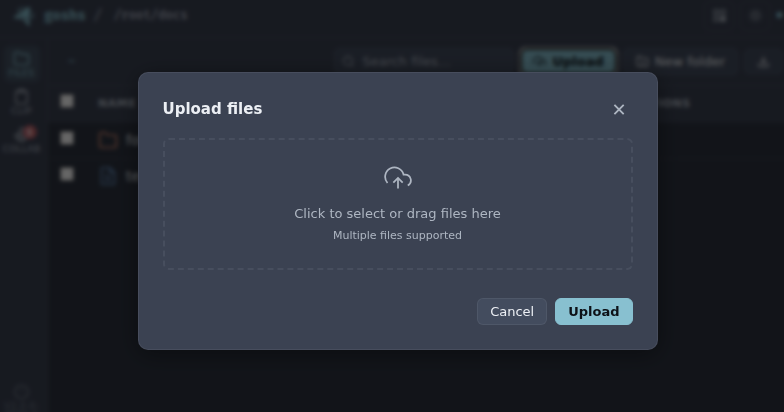
Here you can either drag & drop files or you click the Dropzone and select one or more from the file dialog. The upload will begin right away and the file will be uploaded to the directory you are in.
Upload a folder
goshs also preserves directory structure. Drag a whole folder onto the UI and goshs will recreate the complete subdirectory tree under the directory you are in — nested folders and all. The relative path of every file is kept, and any intermediate directories are created on the server automatically.
Info
Folder structure is carried in the relative path of each file. Path traversal is not possible: every path is sanitized server-side, so a crafted ../ can never escape the served directory, and the .goshs ACL file can never be created or overwritten by an upload.
Upload using curl
You can also upload files from the command line, for example using curl.
curl -X POST "http://127.0.0.1:8000/upload" -F files=@test.txt
or
curl "http://127.0.0.1:8000/" -T test.txt
Below are two examples of what a raw POST upload request looks like.